- Columbarium is open daily from 9am to 6pm
HOW TO PAY YOUR MONTHLY AMORTIZATIONS ONLINE & Over-The-Counter
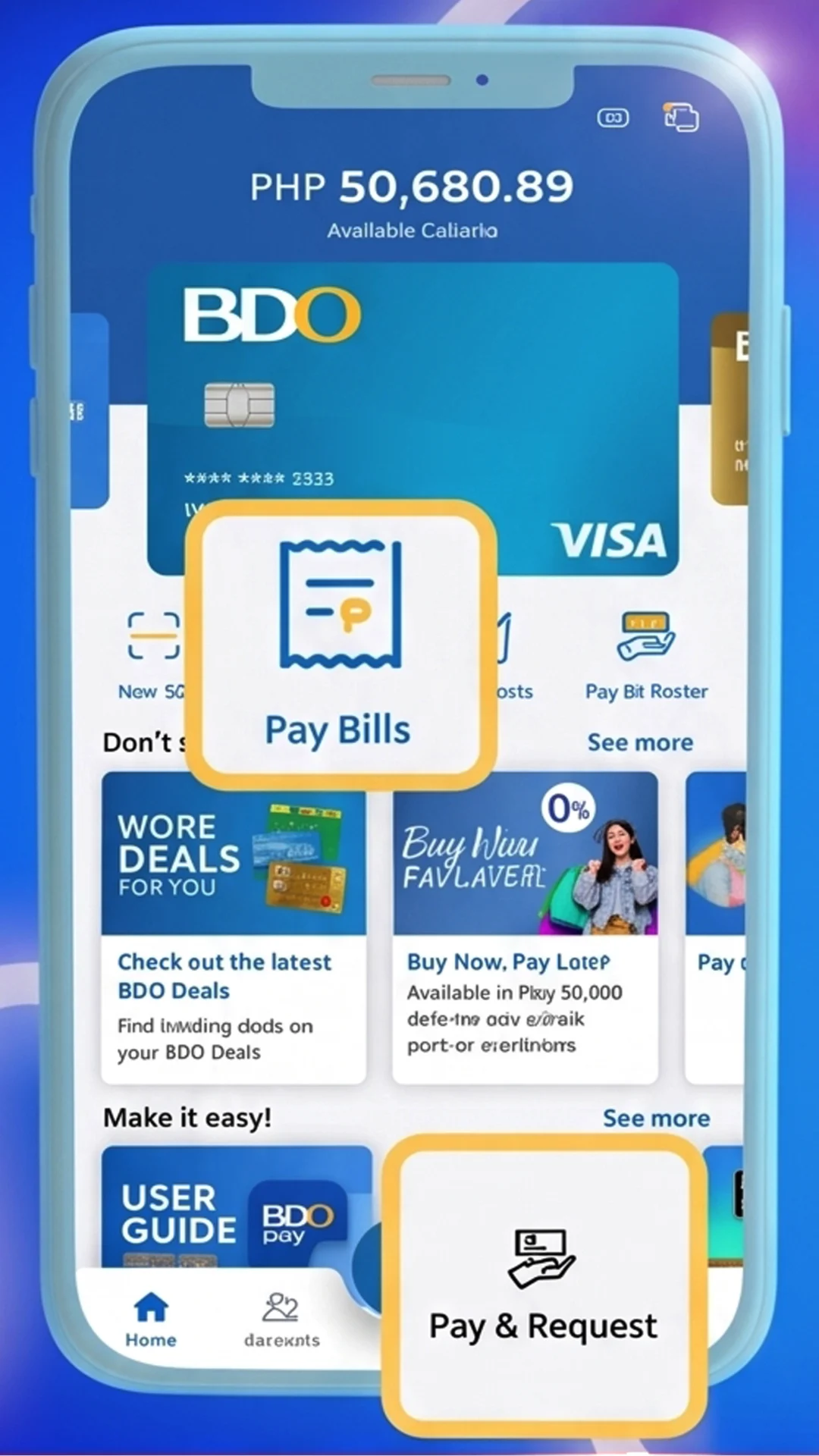
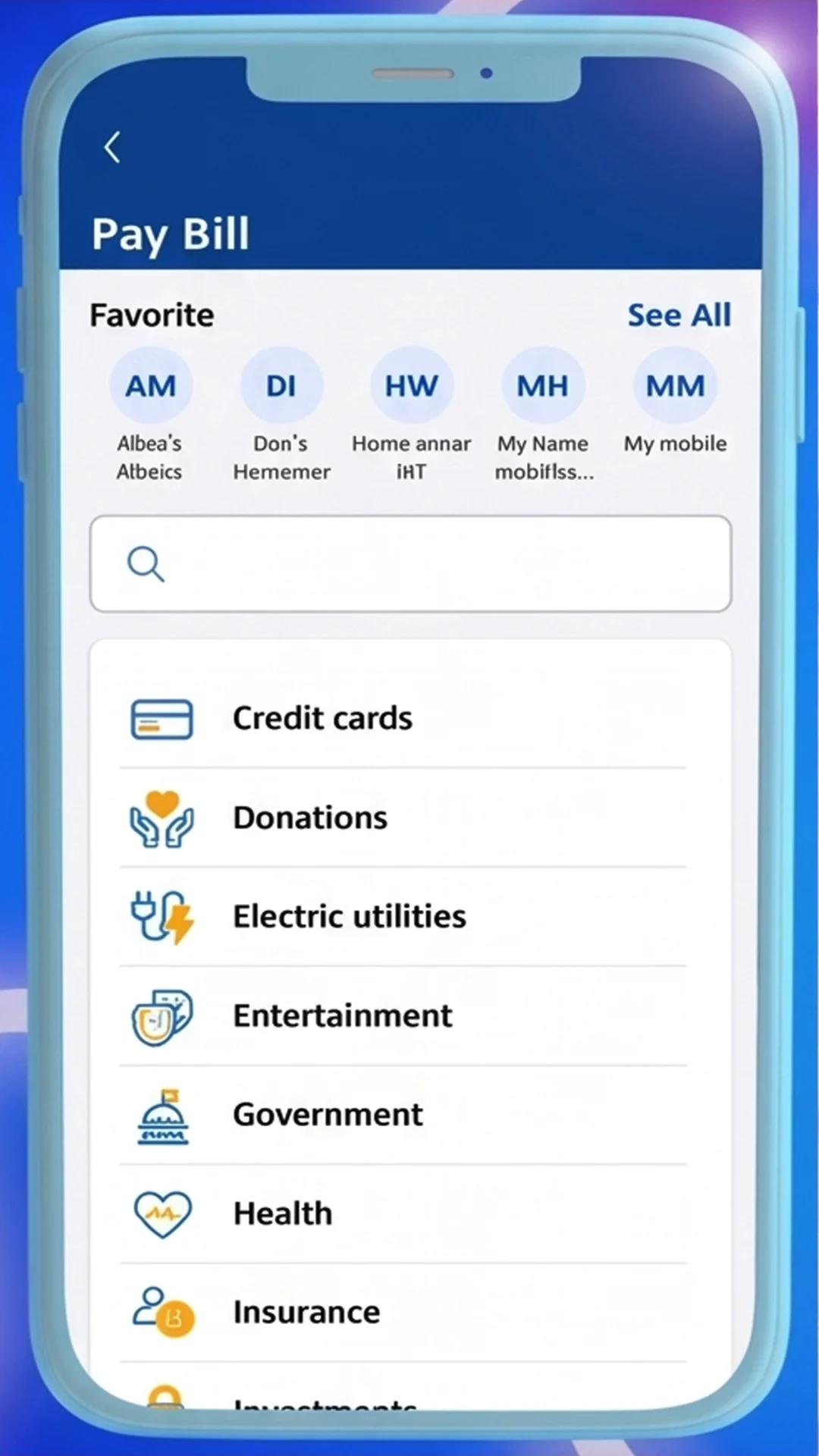
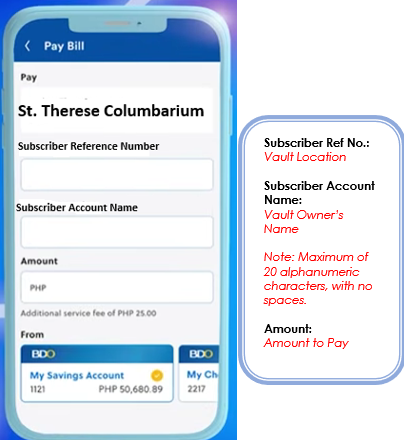
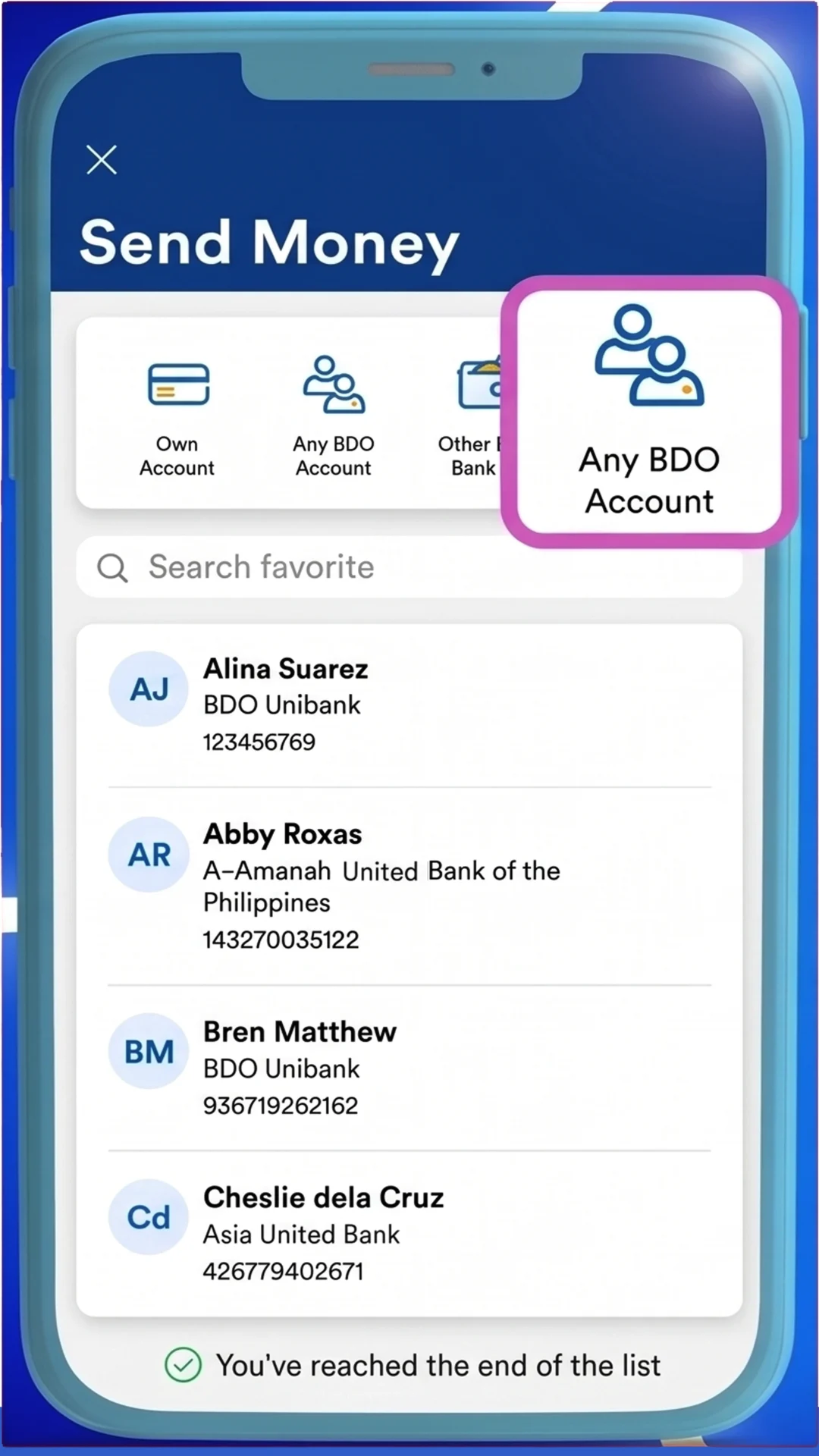
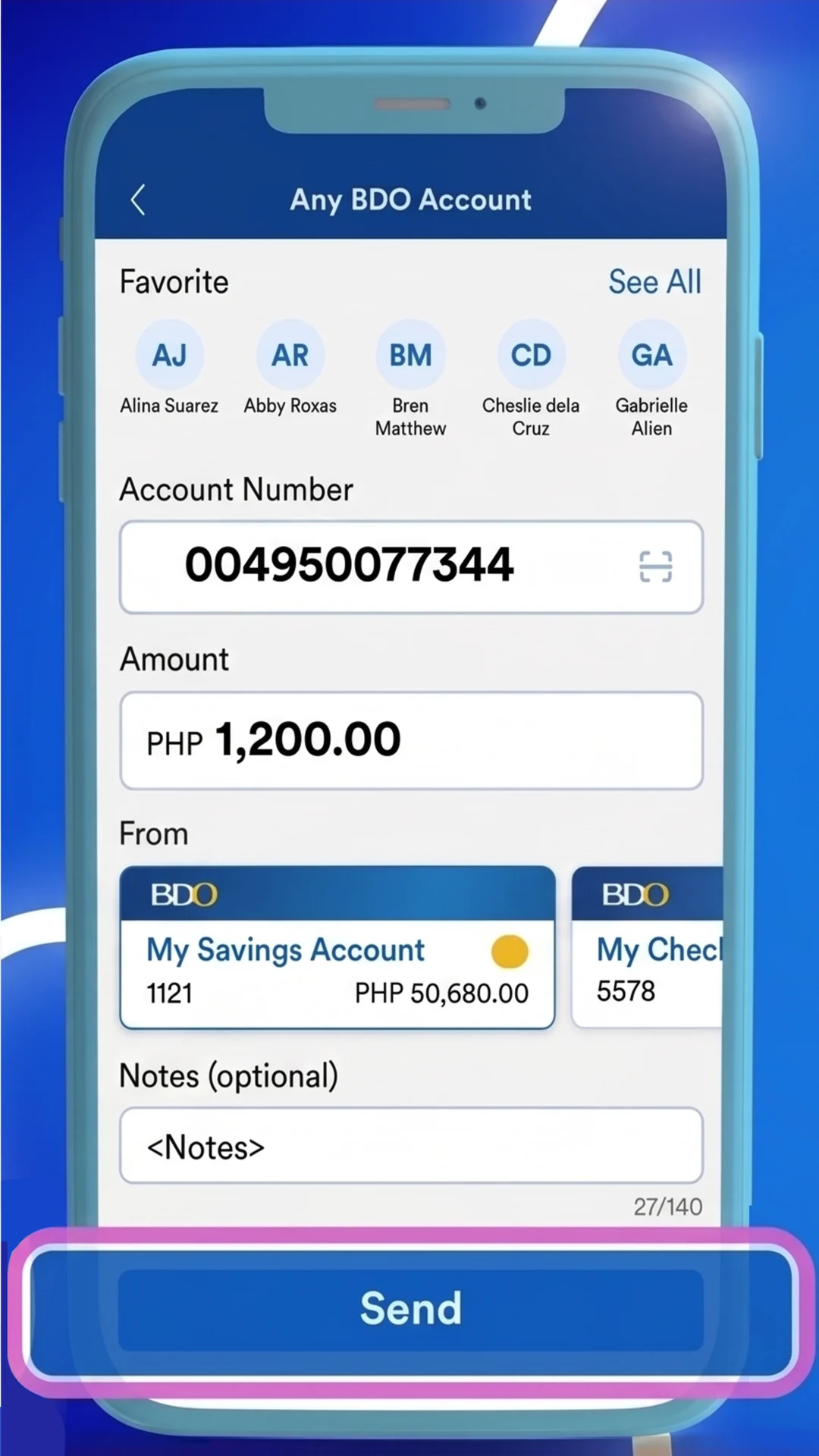
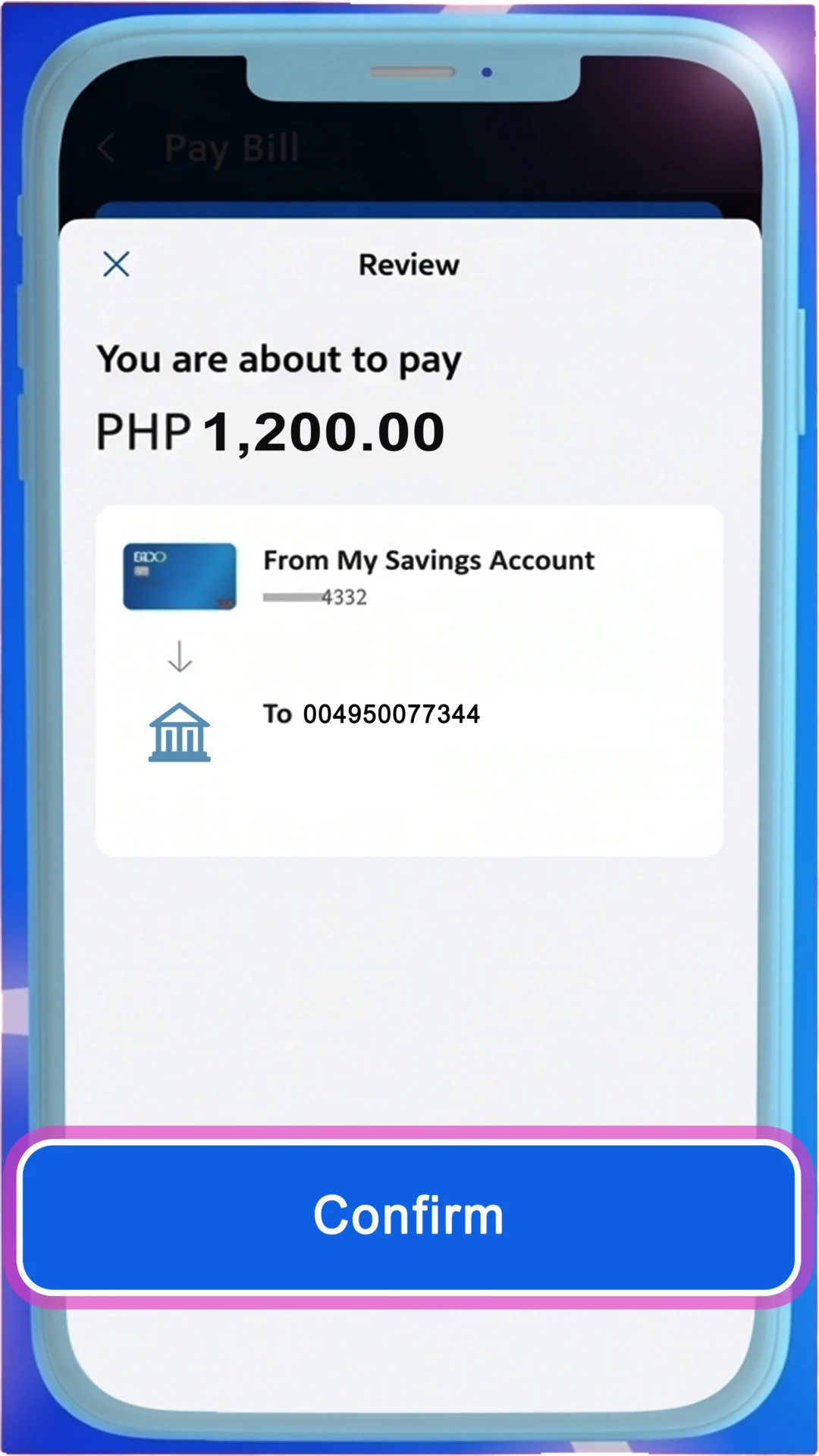
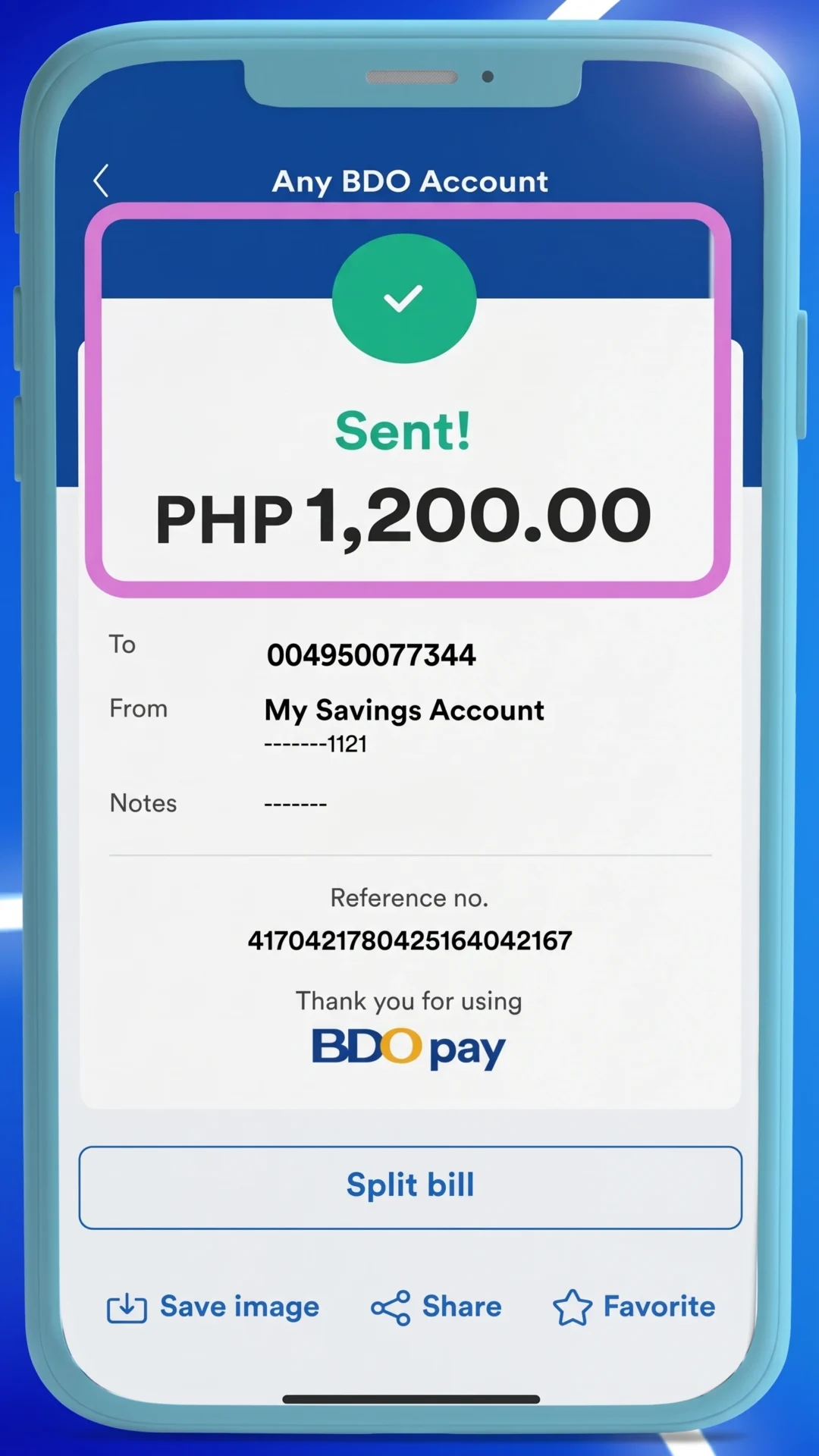
For your convenience, you may settle your monthly amortization for your St. Therese Columbarium Vault through any of our authorized payment facilities.
Select your preferred payment option and simply follow the steps outlined below.

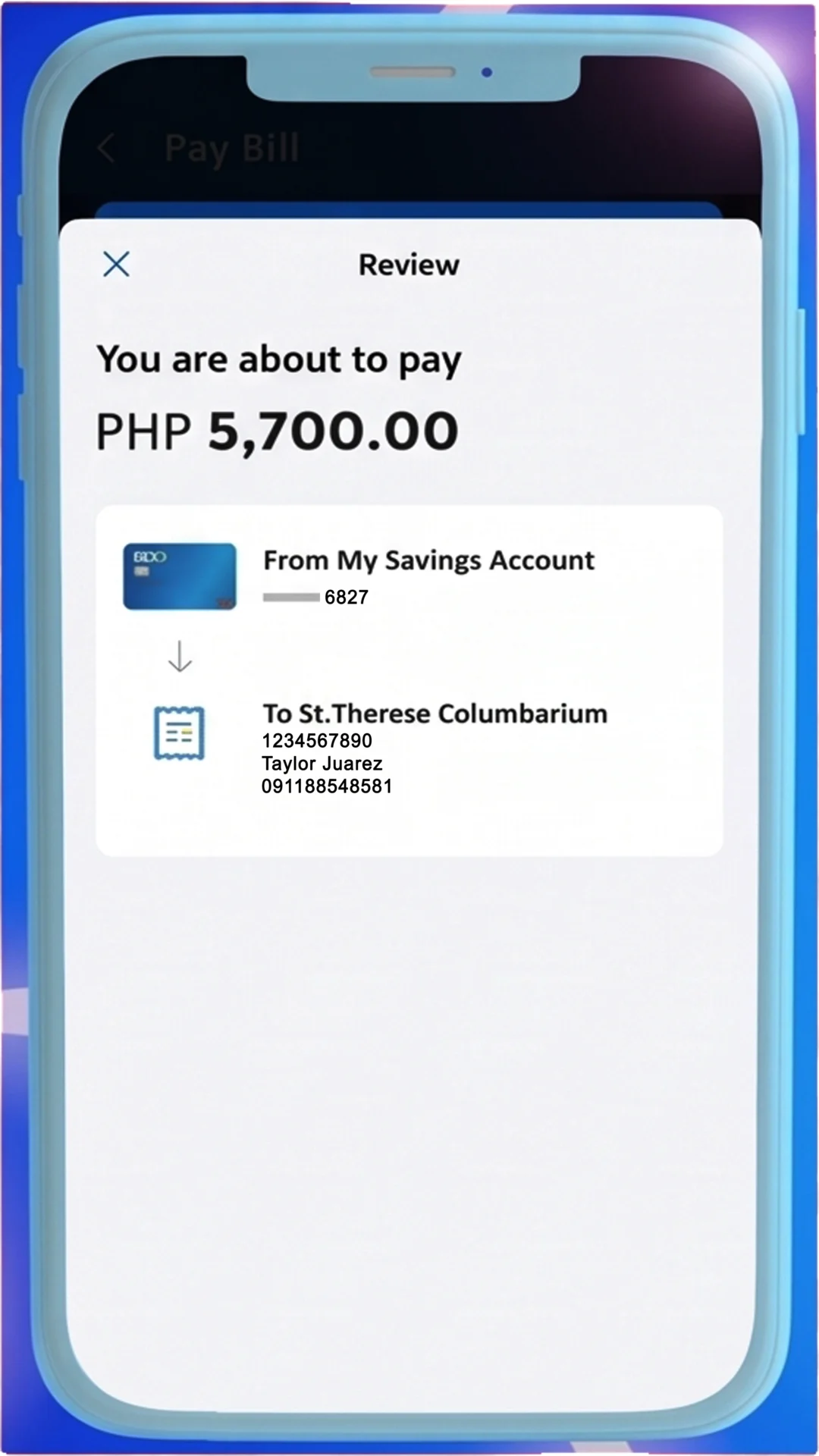
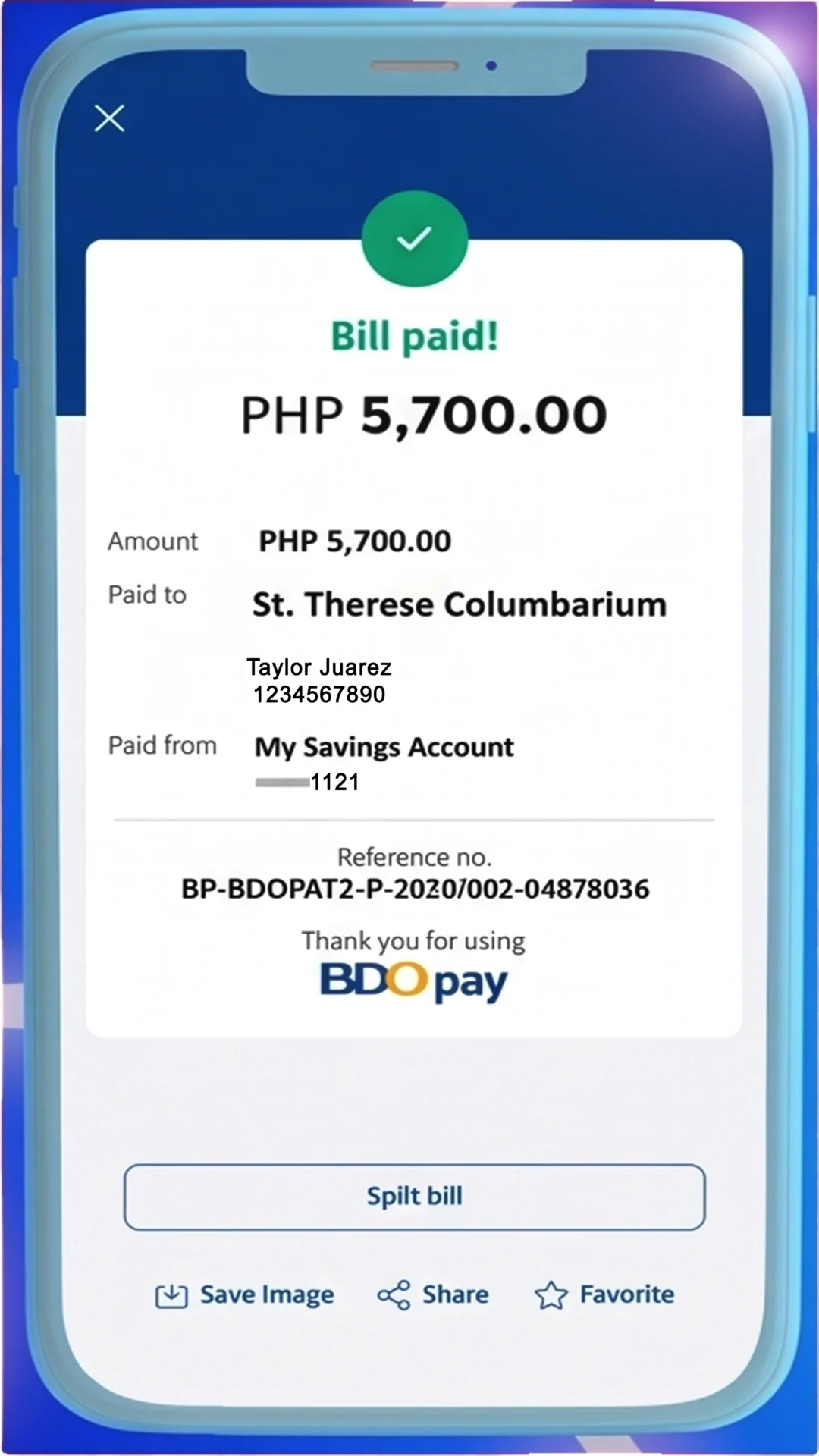
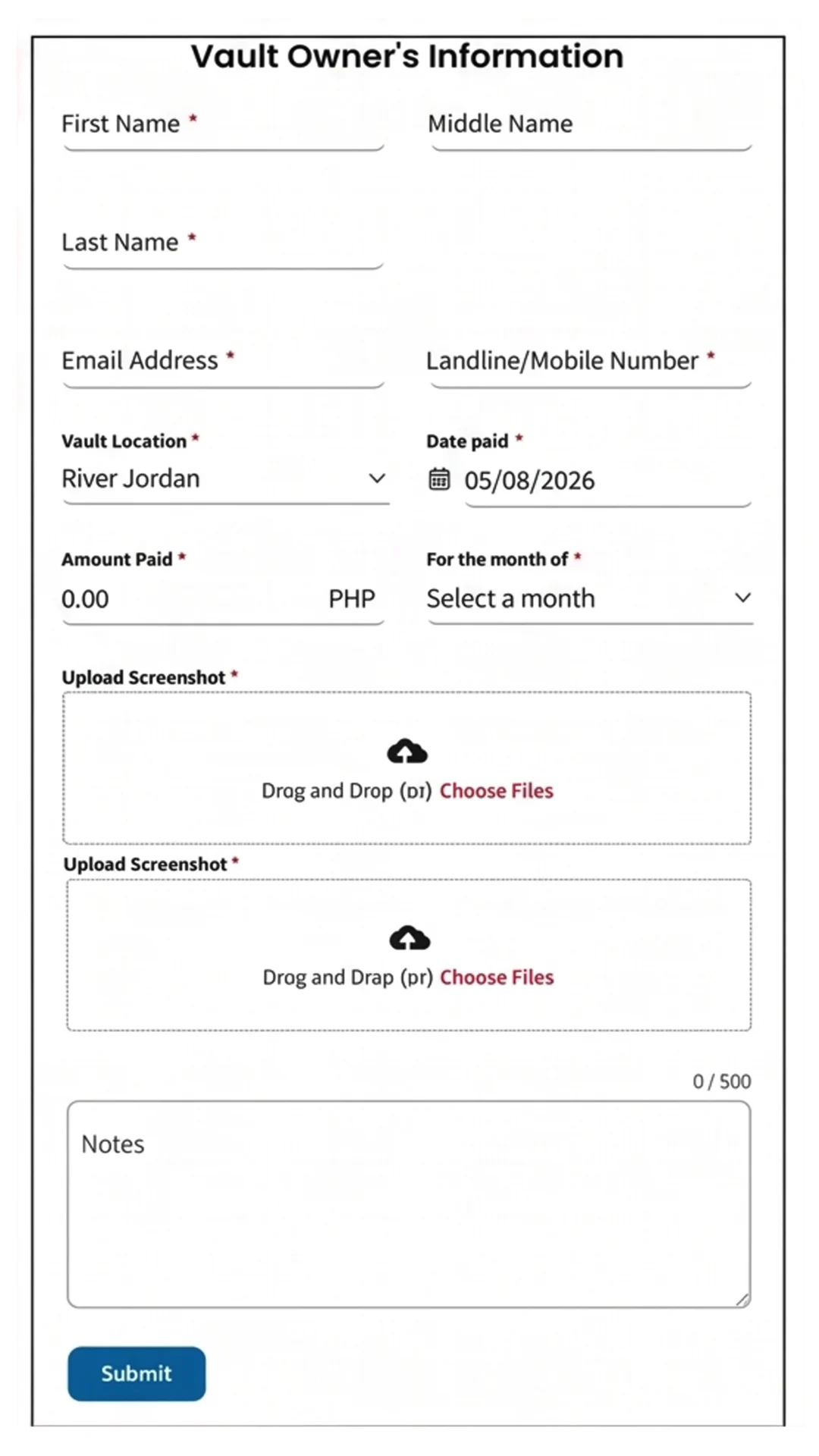
If you were unable to upload your proof of payment or the submission failed, please do the ff instead:
1. Take a screenshot of your payment confirmation.
2. Send the proof of payment to [email protected] or Viber at 09171693493.
Provide the following information in the indicated format.
Example:
Del Rosario, Estrie
A-31-03-A
Payment 5
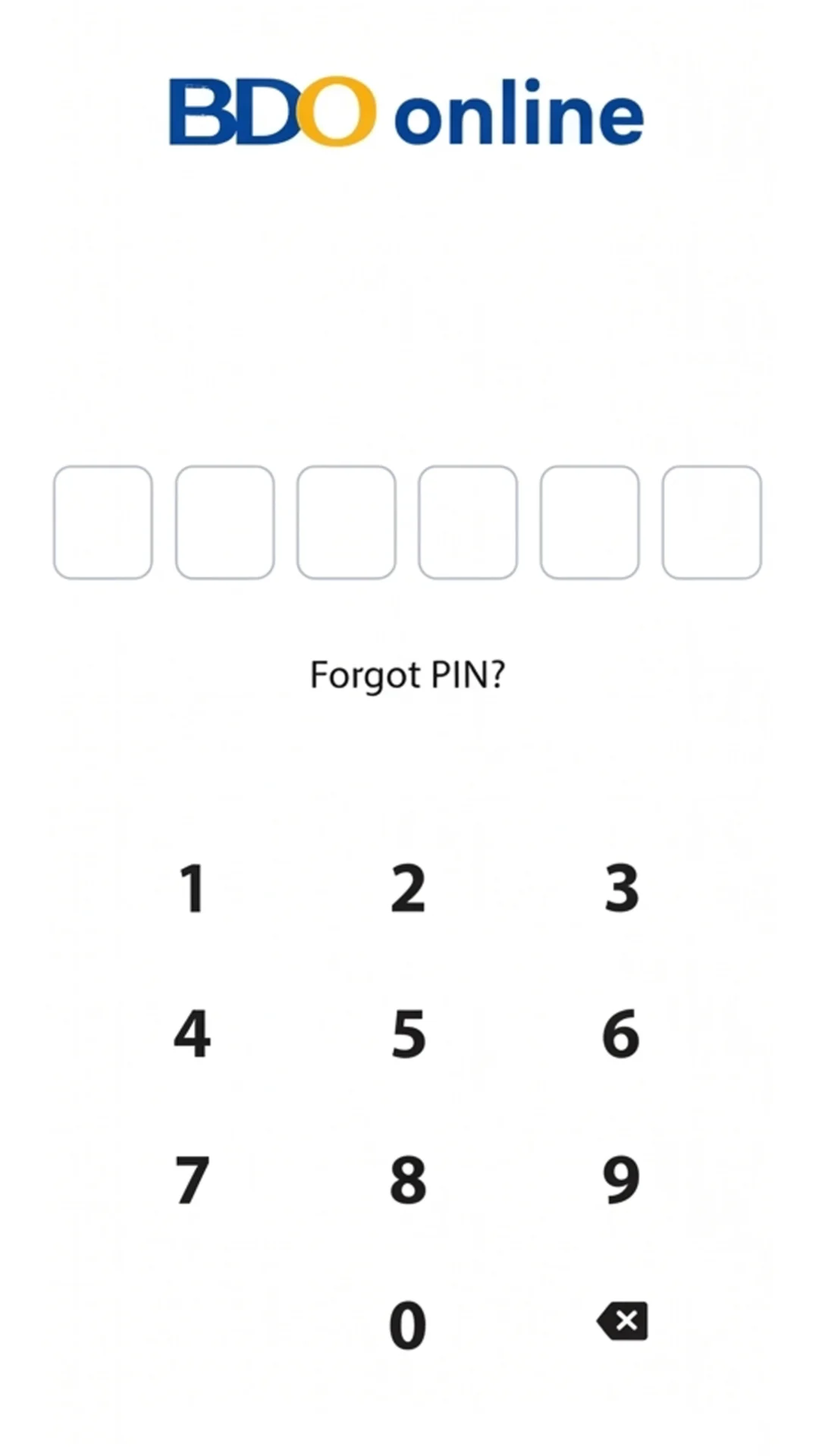

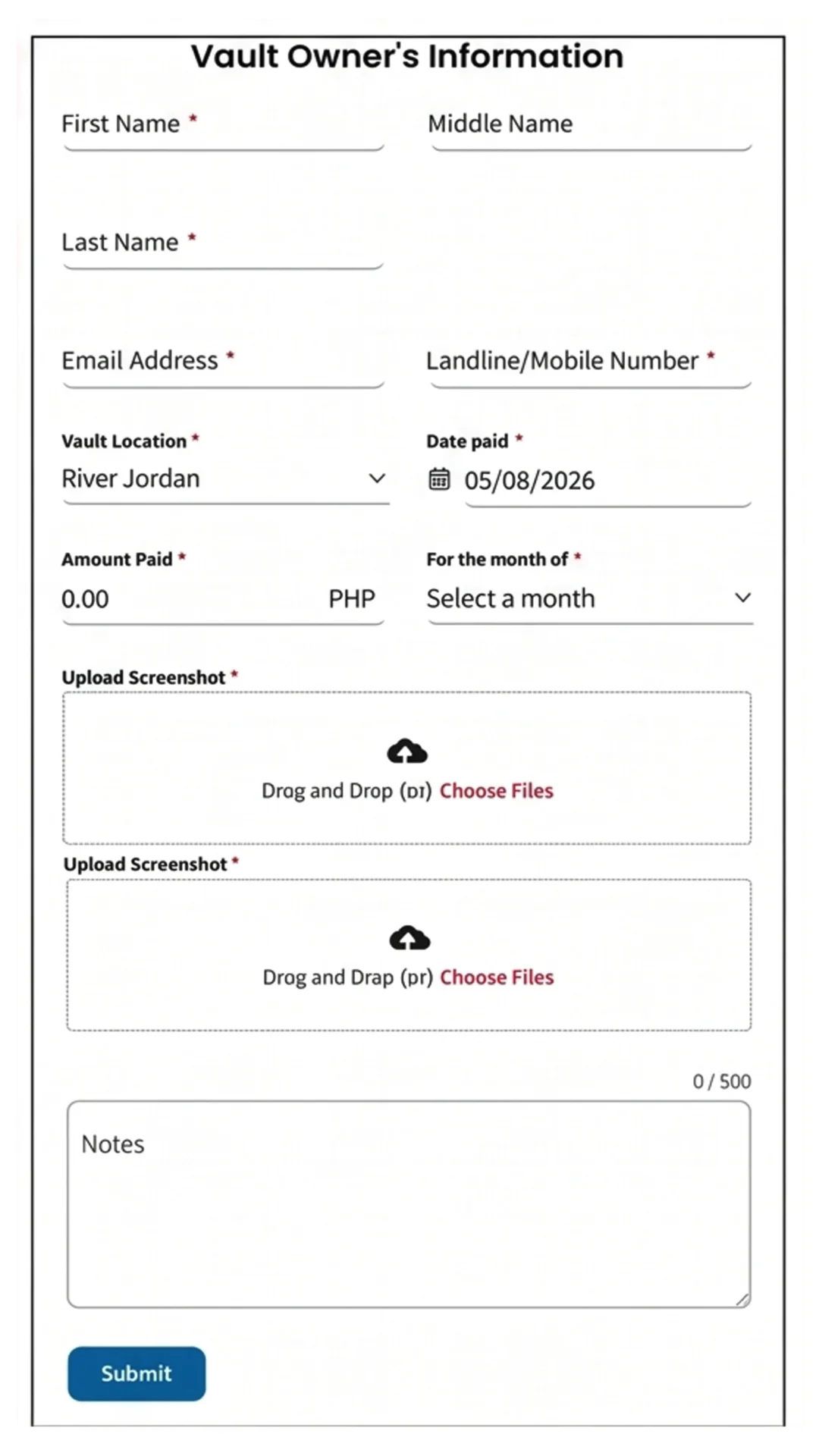
If you were unable to upload your proof of payment or the submission failed, please do the ff instead:
1. Take a screenshot of your payment confirmation.
2. Send the proof of payment to [email protected] or Viber at 09171693493.
Provide the following information in the indicated format.
Example:
Del Rosario, Estrie
A-31-03-A
Payment 5
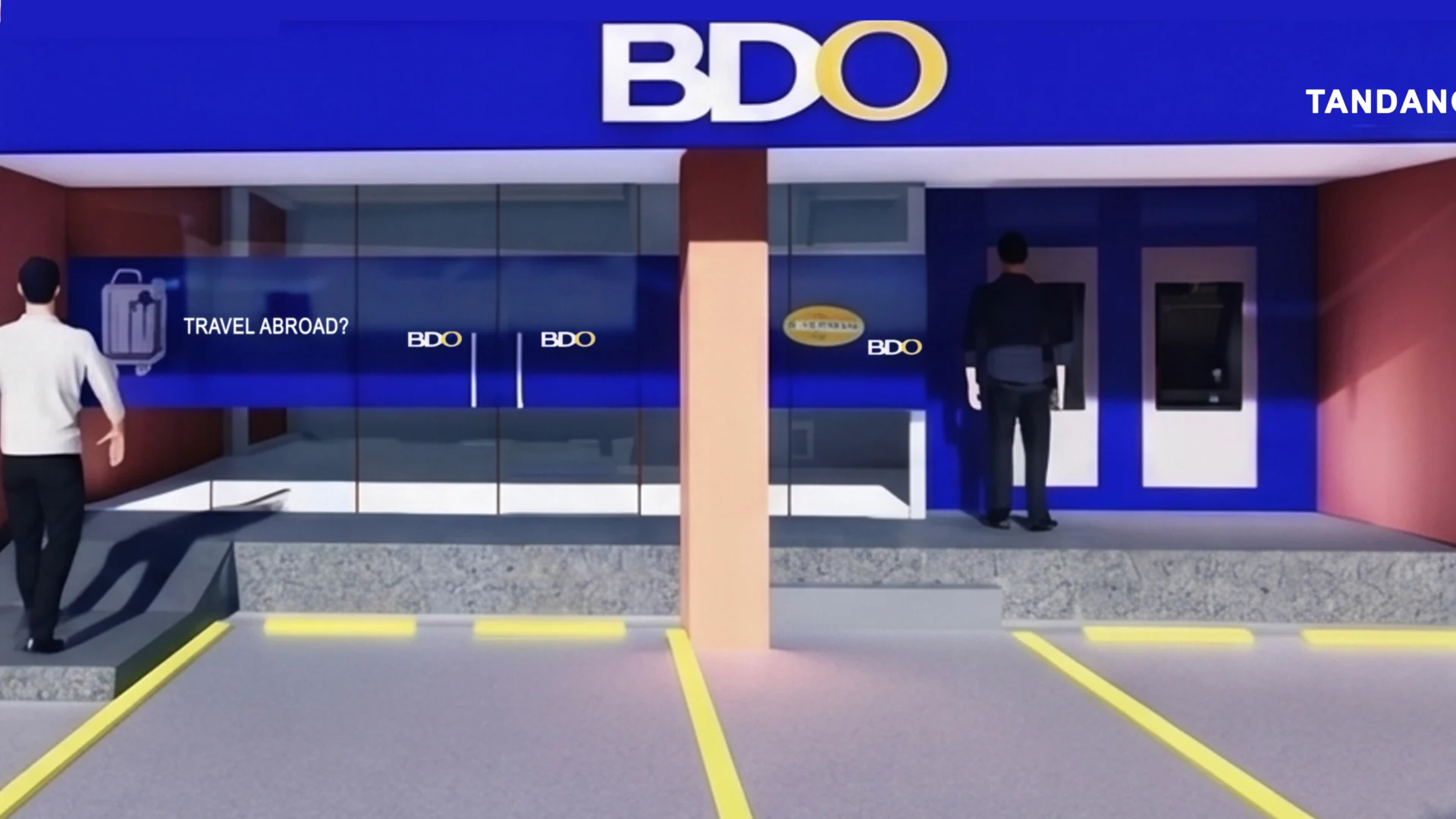
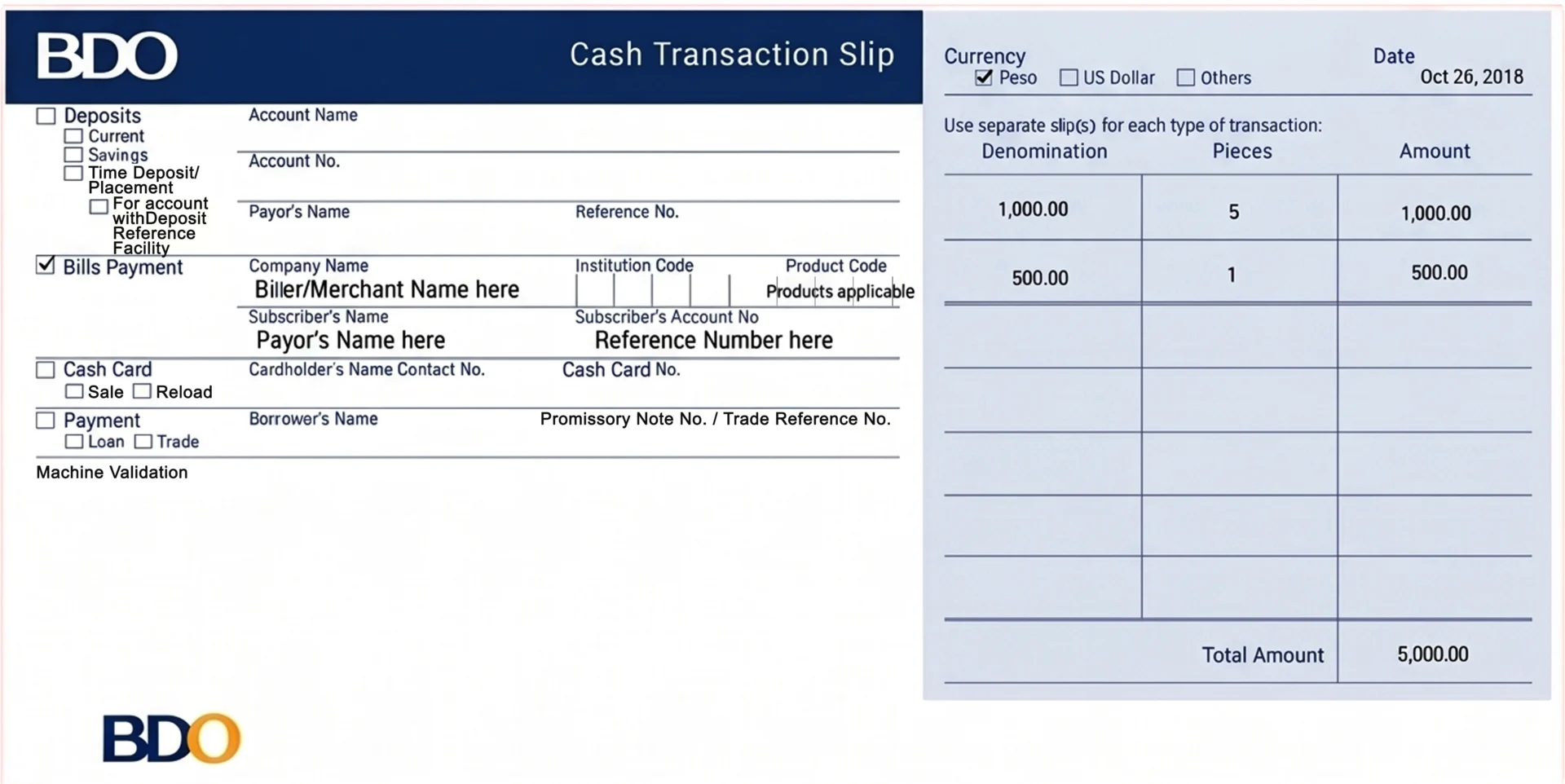
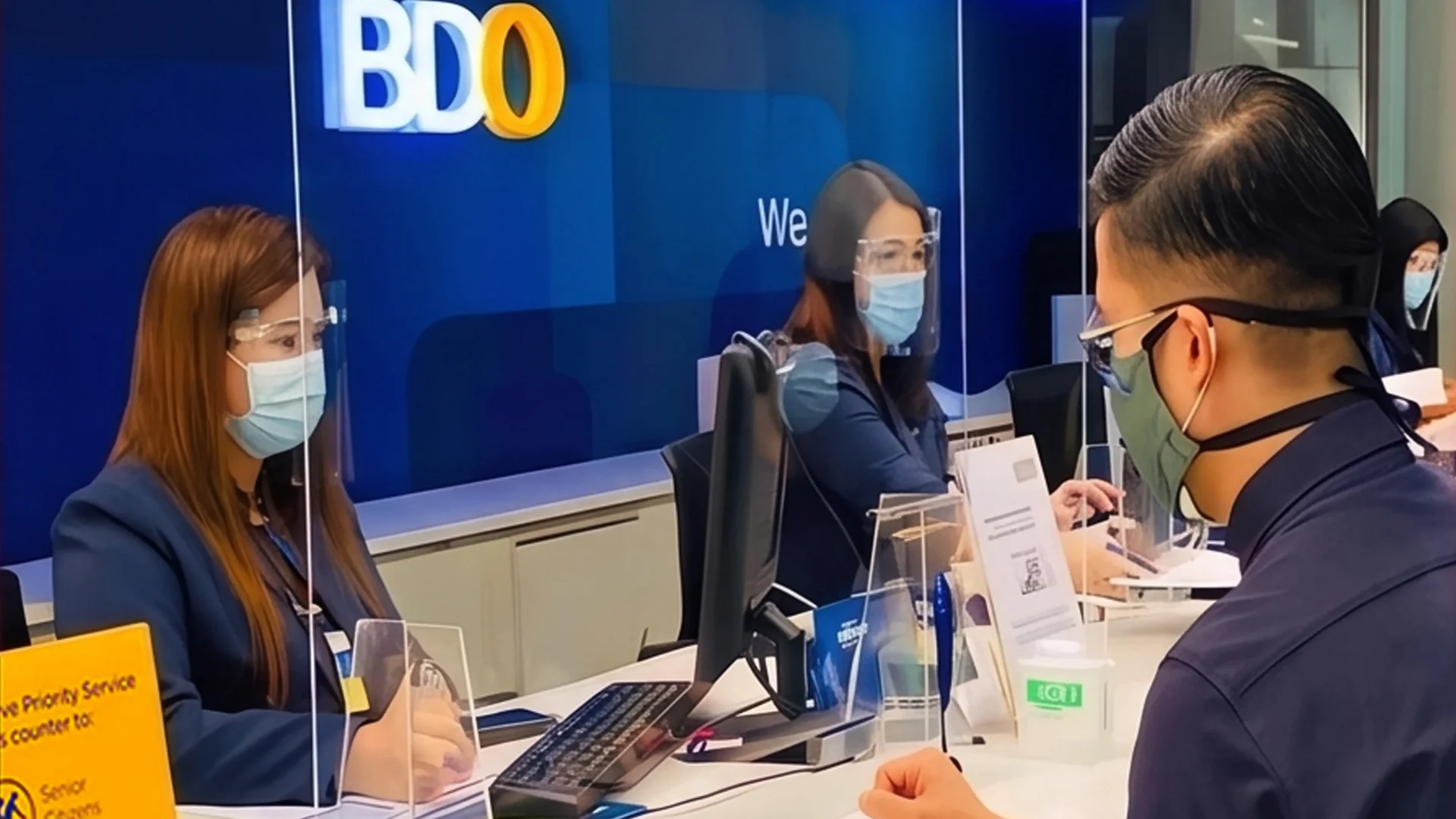
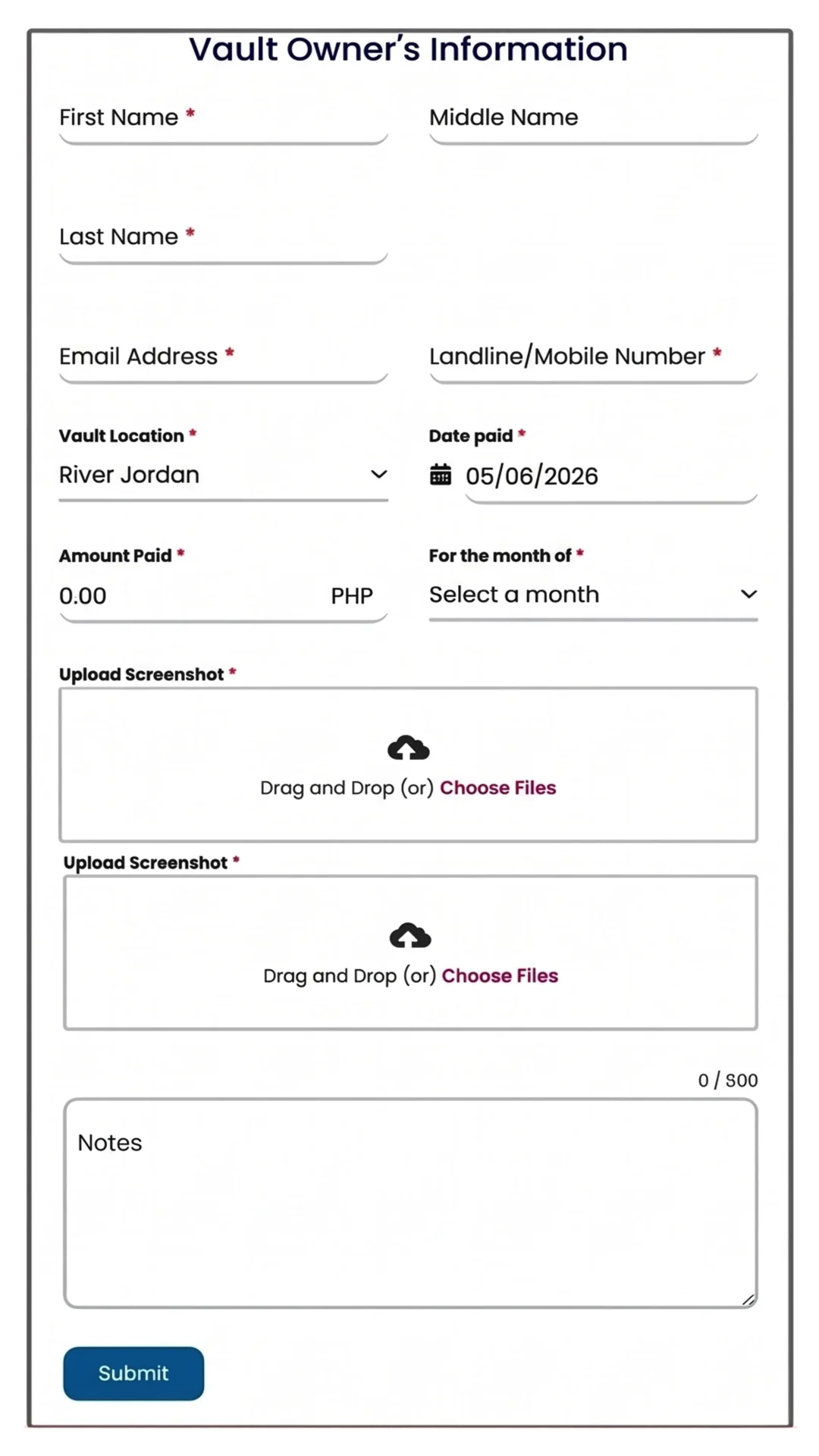
If you were unable to upload your proof of payment or the submission failed, please do the ff instead:
1. Take a screenshot of your payment confirmation.
2. Send the proof of payment to [email protected] or Viber at 09171693493.
Provide the following information in the indicated format.
Example:
Del Rosario, Estrie
A-31-03-A
Payment 5

If you were unable to upload your proof of payment or the submission failed, please do the ff instead:
1. Take a screenshot of your payment confirmation.
2. Send the proof of payment to [email protected] or Viber at 09171693493.
Provide the following information in the indicated format.
Example:
Del Rosario, Estrie
A-31-03-A
Payment 5
You’ll be redirected to www.magnificaturns.com, our Magnificat Urns website. Are you ready to proceed?
You’ll be redirected to www.lwfs.ph, our Little Way Flower Shop website. Are you ready to proceed?